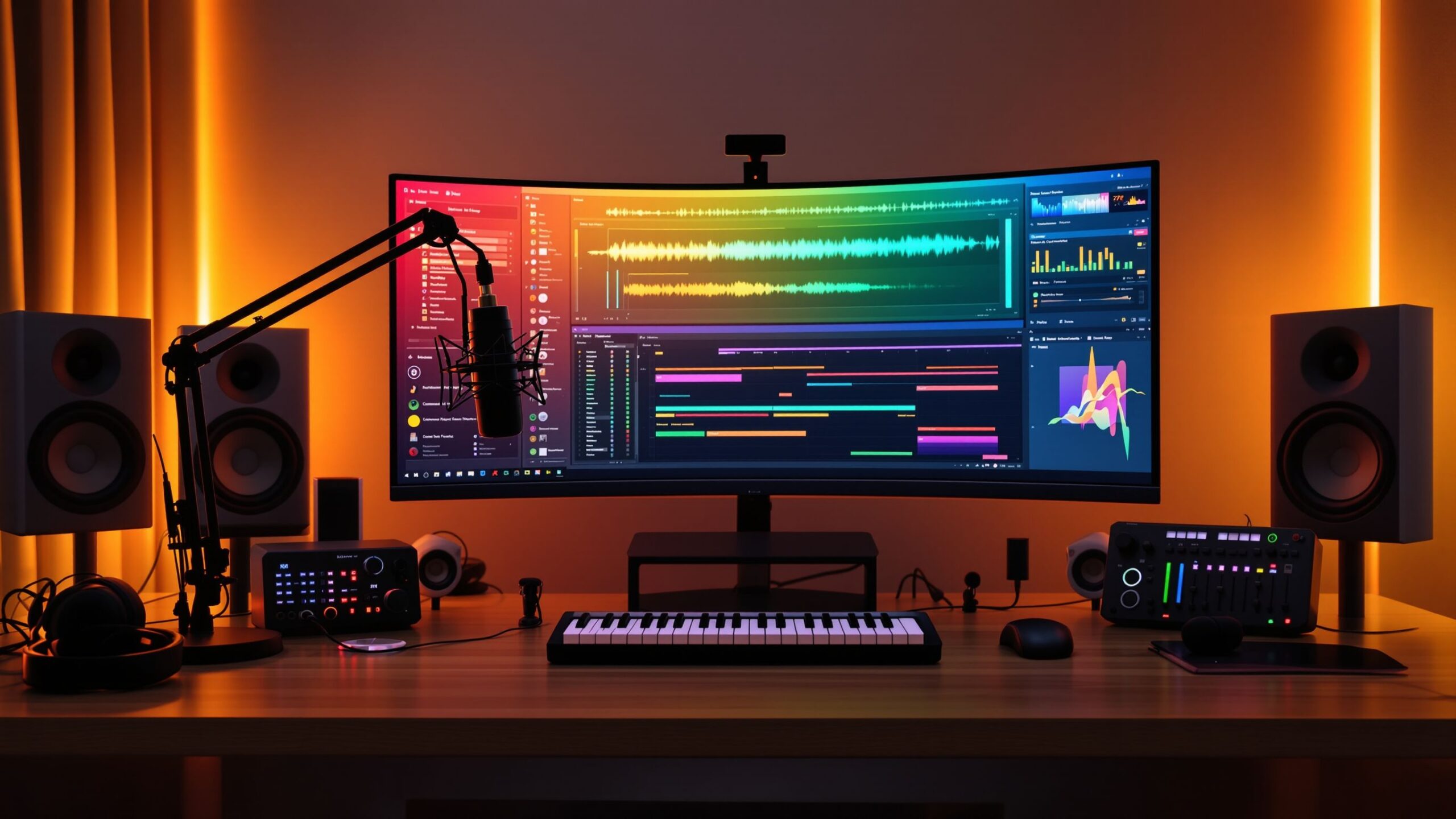
Choosing your first Digital Audio Workstation, or DAW, is one of the most important decisions you’ll make as a new music producer. Your DAW becomes your creative home—a place where songs are written, beats are built, vocals are recorded, instruments are arranged, and final mixes come together. While today’s market offers dozens of excellent DAWs, the sheer number of options can feel overwhelming to someone just getting started. Should you choose software used by professional studios? Is a free DAW enough to learn? Does one program make better electronic music while another excels at recording live instruments? The truth is that nearly every modern DAW is capable of producing professional-quality music. The biggest difference lies in workflow, ease of learning, included features, and how naturally the software fits your creative process. This guide explores the best DAWs for beginner music producers, explains what makes each one unique, and helps you confidently choose the software that will launch your music production journey.
A: GarageBand, FL Studio, BandLab, Ableton Live Intro, and Logic Pro are strong beginner choices.
A: FL Studio, MPC Beats, Ableton Live, and BandLab are popular for beat making.
A: GarageBand is the easiest free option, while Logic Pro is the stronger professional upgrade.
A: FL Studio, Cakewalk, Reaper, Studio One Artist, and Ableton Live Intro are common Windows-friendly choices.
A: Yes, many free DAWs can handle basic recording, beat making, editing, and mixing.
A: No, but learning simple chords, rhythm, and song structure can help a lot.
A: No, but it makes playing melodies, chords, and drums easier than clicking everything with a mouse.
A: You can learn the basics in a few days, but getting confident takes regular practice.
A: No, beginners should first learn the stock sounds and effects included with their DAW.
A: Choose one that fits your computer, budget, music style, and learning comfort.
What Makes a DAW Beginner-Friendly?
A beginner-friendly DAW is more than software with a simple interface. The best options balance ease of use with powerful production tools that allow you to grow over time. A quality beginner DAW should include intuitive navigation, built-in virtual instruments, audio effects, recording capabilities, MIDI editing, automation, and enough tutorials or community support to help new users learn quickly.
Learning music production already involves understanding recording techniques, mixing, arranging, sound design, and music theory. Complicated software should not become another obstacle. A DAW with a logical workflow allows beginners to focus on creativity rather than constantly searching for hidden features or confusing menus.
Another important factor is long-term value. Many producers stay with their very first DAW throughout their entire careers because they become comfortable with its workflow. Choosing software that can grow alongside your skills eliminates the need to switch platforms later.
Why Your First DAW Matters
Your DAW shapes how you approach music production. Every software package organizes projects slightly differently, uses unique shortcuts, and emphasizes certain creative workflows. Some DAWs are built for live recording, while others excel at electronic music production, loop creation, or film scoring.
Fortunately, there is no wrong choice among today’s major DAWs. Countless hit songs have been created using every major platform available. Rather than searching for the “best” DAW overall, beginners should focus on finding the software that feels the most comfortable and inspiring to use.
When your tools stay out of your way, your creativity flows more naturally, allowing you to spend less time learning software and more time making music.
GarageBand: The Perfect Starting Point for Mac Users
GarageBand has introduced millions of people to music production, and for good reason. Available free on Apple computers and mobile devices, it provides an incredibly polished introduction to recording, songwriting, and beat making without overwhelming new users.
The interface is clean, colorful, and intuitive. Recording vocals, guitars, podcasts, or MIDI instruments takes only a few clicks. Built-in virtual instruments include pianos, drums, basses, guitars, strings, synthesizers, and electronic sounds that are surprisingly high quality for free software.
GarageBand also includes excellent drum creation tools, guitar amp simulations, Apple Loops, and beginner-friendly mixing controls. Because it shares many similarities with Logic Pro, upgrading later becomes a smooth transition for users who outgrow its capabilities.
For Mac owners who are completely new to music production, GarageBand remains one of the strongest starting points available.
FL Studio: The Beat Maker’s Favorite
FL Studio has become one of the world’s most popular DAWs, particularly among hip-hop, pop, EDM, and trap producers. Its pattern-based workflow encourages experimentation and makes creating drum beats exceptionally fast.
The Channel Rack allows users to build drum patterns visually, while the Piano Roll is widely considered one of the best MIDI editors available. Beginners often appreciate how quickly ideas can become complete songs without requiring advanced technical knowledge.
FL Studio also includes a massive collection of synthesizers, effects, drum samples, and creative plugins. Lifetime free updates make it especially attractive since users receive future versions without additional purchase costs.
Although the interface may initially appear busy, countless online tutorials make learning FL Studio surprisingly approachable for beginners interested in electronic music production.
Ableton Live: Creativity Without Limits
Ableton Live has earned an outstanding reputation among producers, DJs, and electronic musicians thanks to its unique workflow and unmatched flexibility.
Unlike traditional DAWs, Ableton features two production environments. Session View allows users to trigger clips, loops, and ideas in real time, making songwriting incredibly spontaneous. Arrangement View then transforms those ideas into complete songs.
This dual approach encourages creativity and experimentation rather than rigid linear recording. Electronic musicians especially appreciate Ableton’s built-in instruments, sampling tools, automation capabilities, and live performance features.
Although it requires some learning initially, many beginners quickly fall in love with Ableton’s streamlined workflow and continue using it throughout their professional careers.
Logic Pro: Professional Power with Beginner Simplicity
Logic Pro combines professional-level production capabilities with one of the most approachable interfaces available. Exclusive to macOS, it offers tremendous value by including an enormous library of instruments, loops, drum kits, effects, and production tools in a single purchase.
Logic excels at recording live instruments, producing electronic music, composing orchestral arrangements, editing podcasts, and creating film scores. The included virtual drummer feature automatically generates realistic drum performances, while intelligent chord tools simplify songwriting for beginners.
Despite its advanced capabilities, Logic remains surprisingly accessible. Apple’s consistent interface design, organized layout, and extensive documentation make learning far less intimidating than many competing professional DAWs.
For Mac users ready to invest in long-term production software, Logic Pro is among the strongest choices available.
Reaper: Affordable and Incredibly Powerful
Reaper has developed a loyal following by offering professional-grade capabilities at one of the industry’s lowest prices. While its appearance may seem less polished than some competitors, its performance, customization, and efficiency are exceptional.
Reaper runs smoothly even on older computers, making it ideal for beginners with limited hardware. It supports unlimited tracks, advanced routing, recording, editing, automation, and virtually every plugin format available.
Because Reaper is highly customizable, experienced producers often tailor the software to fit their exact workflow. Beginners may initially need more time learning the interface, but the investment pays off with software capable of handling virtually any production task.
Its generous evaluation period also allows new users to explore the software before purchasing.
Studio One: Modern and Easy to Learn
Studio One has rapidly become one of the most respected DAWs thanks to its clean interface and efficient workflow. Designed with simplicity in mind, it reduces unnecessary complexity while still providing professional production features.
Drag-and-drop functionality makes importing audio, adding effects, organizing tracks, and arranging songs remarkably intuitive. Built-in mastering tools also allow users to prepare finished songs for release without leaving the software.
Studio One supports recording, MIDI sequencing, podcast production, mixing, mastering, and live performance, making it a versatile option for beginners who want one complete production environment.
Many users describe Studio One as one of the easiest professional DAWs to learn while still offering tremendous room for future growth.
Cubase: A Legendary Music Production Platform
Cubase has been helping producers create music for decades and continues to evolve into one of the industry’s most feature-rich Digital Audio Workstations. It excels in recording, MIDI editing, orchestral composition, film scoring, and traditional music production.
Its advanced MIDI capabilities have long been considered among the industry’s best, making it especially attractive for composers working with virtual instruments.
Although Cubase contains an enormous number of professional features, beginner editions simplify the learning process while providing plenty of creative tools to master before upgrading.
Its longstanding reputation and extensive educational resources make Cubase a dependable option for serious beginners.
Cakewalk: A Free Professional DAW for Windows Users
For Windows users looking for powerful free software, Cakewalk offers remarkable value. Despite costing nothing, it includes professional recording, editing, mixing, MIDI sequencing, automation, and plugin support.
The interface resembles many commercial DAWs, making it an excellent learning platform for aspiring producers. Multi-track recording, virtual instruments, advanced editing, and flexible routing allow users to complete professional-quality projects without spending money.
Cakewalk demonstrates that beginners don’t necessarily need expensive software to begin creating polished music.
Features Every Beginner Should Look For
While comparing DAWs, focus less on marketing claims and more on practical features you’ll actually use during your first years of production. Quality recording tools, MIDI editing, virtual instruments, mixing plugins, automation, and reliable performance should take priority over advanced features you may not need immediately.
Good tutorial support is equally important. A DAW with thousands of online lessons, active forums, and educational videos makes learning dramatically easier. Strong community support often shortens the learning curve far more than any individual software feature.
Compatibility with your computer also matters. Some DAWs run exclusively on Windows or macOS, while others support both operating systems.
Free vs. Paid DAWs
Many beginners wonder whether free software is enough to start producing music. The answer is yes. Modern free DAWs are surprisingly capable and often include enough features to create commercial-quality productions.
Paid DAWs generally expand upon these foundations by offering larger sound libraries, additional virtual instruments, more sophisticated effects, advanced editing tools, and specialized production features.
The most important factor isn’t price—it’s consistency. Learning one DAW thoroughly will produce far better results than constantly switching between different software packages in search of perfection.
Which DAW Is Best for You?
The ideal DAW depends on your creative goals. If you’re interested in beat making and electronic music, FL Studio and Ableton Live are outstanding choices. Mac users looking for exceptional value may prefer GarageBand or Logic Pro. Those focused on recording bands often appreciate Studio One, Cubase, or Reaper. Windows users seeking a free professional solution should consider Cakewalk.
Remember that every major DAW is capable of producing chart-topping songs. The software itself rarely limits creativity—experience, practice, and artistic vision matter far more than the logo on your screen.
Conclusion
The best DAW for beginner music producers is the one that inspires you to create consistently. Every Digital Audio Workstation discussed here offers professional-quality recording, editing, mixing, and production tools capable of growing alongside your skills. Rather than worrying about choosing the “perfect” software, focus on selecting one that feels intuitive, fits your budget, and encourages you to make music every day. As you gain experience, you’ll discover that great productions come not from owning the most expensive DAW, but from mastering the tools you already have. Whether you’re producing your first beat, recording your first song, or launching a podcast, today’s beginner-friendly DAWs provide everything you need to transform creative ideas into polished, professional audio.