
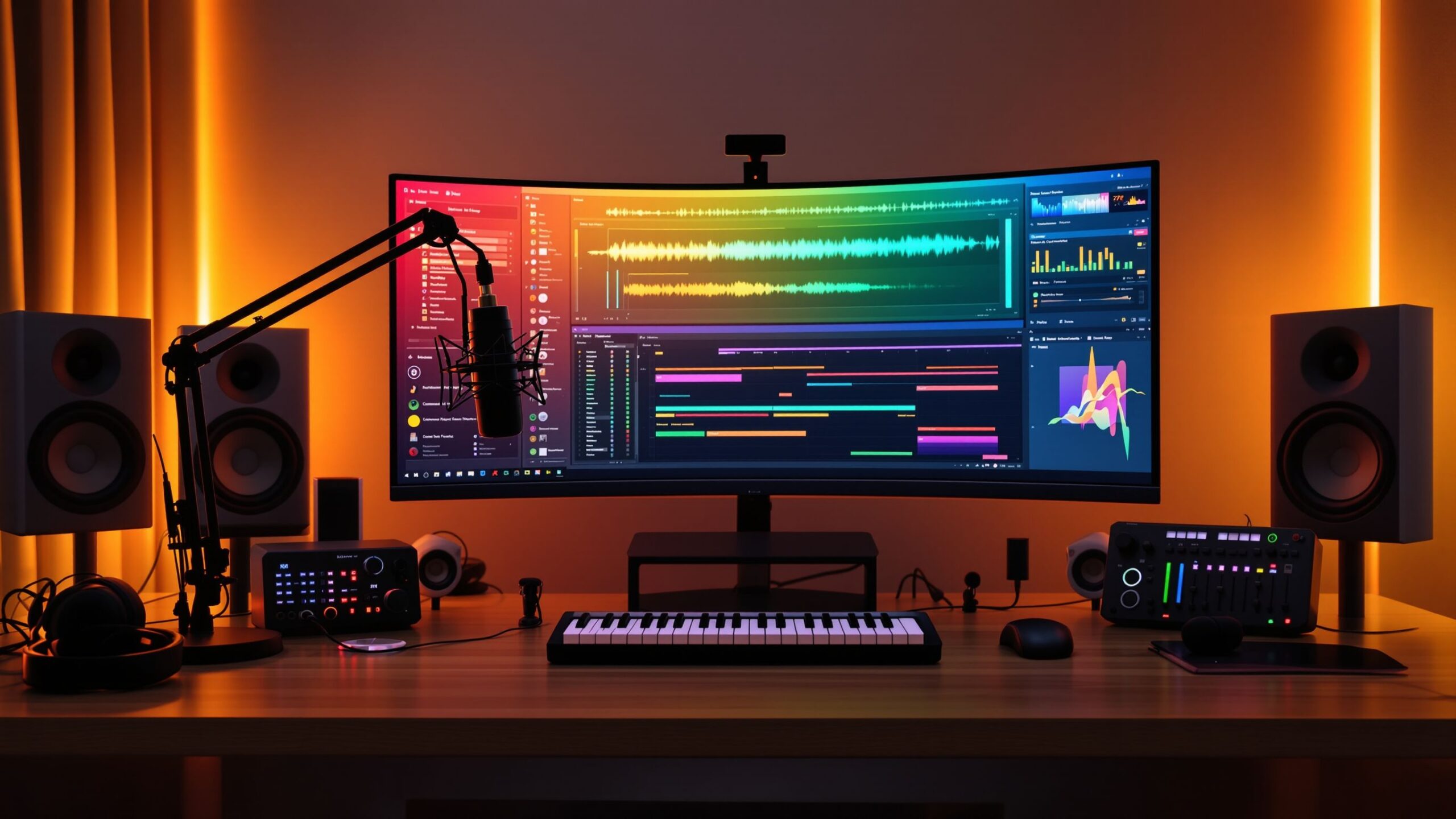
The music industry has experienced a remarkable transformation over the past few decades. What once required million-dollar recording studios filled with enormous mixing consoles, racks of expensive equipment, and teams of highly trained engineers can now be accomplished from a spare bedroom using nothing more than a computer and the right software. At the center of this revolution is the Digital Audio Workstation, more commonly known as a DAW. Whether you’re dreaming of becoming a music producer, recording your first podcast, creating soundtracks for videos, or simply experimenting with making beats, learning how a DAW works is one of the most valuable skills you can develop. A DAW is far more than just recording software—it’s a complete production environment where creativity meets technology. From capturing live performances to composing orchestral scores entirely with virtual instruments, today’s DAWs provide nearly limitless possibilities for creators of every experience level. Understanding what a DAW is and how it functions is the first step toward producing professional-quality audio from virtually anywhere.
A: DAW stands for Digital Audio Workstation, which is software for recording, editing, mixing, and producing audio.
A: Yes, a DAW is one of the best tools for learning music production, beat making, podcasting, and recording.
A: GarageBand, BandLab, and FL Studio are common beginner-friendly choices.
A: Yes, DAWs include loops, samples, MIDI tools, and virtual instruments.
A: Only if you want to record vocals, voiceovers, podcasts, or live instruments.
A: MIDI is digital note information that controls virtual instruments inside the software.
A: Mixing is balancing all the tracks so the song sounds clear, full, and professional.
A: Mastering is the final step that makes a finished song sound polished and ready to release.
A: Yes, many beginners produce music on regular laptops, especially with lightweight projects.
A: Paid DAWs often offer more tools, but free DAWs can still make great music.
What Is a Digital Audio Workstation?
A Digital Audio Workstation is software specifically designed for recording, editing, arranging, mixing, producing, and mastering audio. Think of it as an entire recording studio condensed into a single application running on your computer or tablet. Instead of relying on tape machines, physical mixers, hardware effects processors, and complicated studio wiring, everything is managed digitally inside one organized workspace.
Every sound within a DAW exists as digital information. Vocals, guitars, drums, keyboards, sound effects, podcasts, narration, and even orchestral performances can all be recorded, manipulated, and organized inside one project. Unlike traditional analog recording methods, digital production offers incredible flexibility because edits are non-destructive. This means you can experiment freely, undo mistakes instantly, and refine your work without permanently changing the original recording.
Modern DAWs are used by Grammy-winning producers, independent musicians, YouTubers, filmmakers, game developers, radio stations, broadcasters, educators, and hobbyists alike. Regardless of genre or experience level, nearly every modern audio project begins inside a Digital Audio Workstation.
Why DAWs Changed Music Forever
Before computers became powerful enough to process digital audio, recording music was an expensive endeavor. Professional studios housed massive recording consoles, analog tape machines, hardware compressors, equalizers, reverbs, and countless other specialized devices. Recording time itself often cost hundreds of dollars per hour, making experimentation difficult for independent artists.
Digital Audio Workstations completely changed that landscape. Suddenly, anyone with a capable computer could create music at home using affordable software. Artists no longer needed record label budgets to produce albums. Independent creators gained access to professional tools that had once been reserved exclusively for elite studios.
This democratization of music production led to an explosion of creativity across every genre. Bedroom producers began creating chart-topping hits, podcast creators launched successful media businesses, and film composers built entire orchestral scores without leaving their home studios. Today, some of the world’s biggest songs have been produced almost entirely inside a laptop using nothing more than a DAW and a few quality plugins.
How a DAW Actually Works
At its core, a DAW organizes audio and MIDI information along a timeline. Imagine a large digital canvas where every instrument, vocal recording, sound effect, and musical performance occupies its own horizontal lane called a track. These tracks run from left to right across the screen, allowing you to visually arrange an entire song or production.
When recording begins, incoming audio from a microphone or instrument is converted into digital data by an audio interface and displayed as waveforms inside the DAW. MIDI performances, on the other hand, appear as note information rather than recorded sound. These notes can later trigger virtual instruments such as pianos, synthesizers, drums, or orchestras.
Each track contains controls for volume, stereo positioning, mute, solo, recording, monitoring, and effects. As projects become more complex, users can organize tracks into folders, color-code sections, automate changes over time, and build intricate productions involving hundreds of individual tracks.
Because everything remains editable throughout the production process, users can rearrange songs, replace instruments, fix mistakes, and continually refine their work until they’re satisfied with the final result.
Understanding Audio Tracks
Audio tracks contain recorded sound. Every vocal performance, acoustic guitar, electric bass, drum recording, spoken narration, or environmental sound effect is stored as audio. Once recorded, these sounds appear visually as waveforms representing changes in air pressure over time.
Working with audio tracks allows producers to trim unwanted sections, remove silence, adjust timing, fade clips in and out, reduce background noise, and combine multiple recordings into polished performances. Since editing is non-destructive, every change can be adjusted later if needed.
Professional productions often involve dozens of individual audio tracks. A single song may contain lead vocals, background harmonies, doubled vocals, multiple guitar layers, drum microphones, bass recordings, percussion instruments, and additional effects, all managed independently inside the same DAW project.
Understanding MIDI
MIDI, short for Musical Instrument Digital Interface, works very differently from audio. Rather than recording actual sound, MIDI captures musical instructions. These instructions include which notes were played, when they started, how long they lasted, how hard each key was pressed, and other performance details.
This creates incredible flexibility because users can completely change the instrument after recording. A melody originally played using a piano sound can instantly become a violin, synthesizer, electric guitar, choir, or brass section without replaying a single note.
MIDI also makes editing remarkably simple. Wrong notes can be corrected with a mouse, rhythms adjusted perfectly to the beat, and entire performances transposed into different musical keys within seconds. Because of these advantages, MIDI has become essential for electronic music production, orchestral composition, pop music, and film scoring.
Recording Music Inside a DAW
Recording inside a Digital Audio Workstation begins by connecting microphones or instruments through an audio interface. The interface converts analog signals into digital information that the computer can process in real time.
Most DAWs support recording one or multiple tracks simultaneously. Solo artists often record instruments individually, layering each performance until a complete arrangement emerges. Bands frequently record several musicians at once using multiple microphones connected through larger interfaces.
Modern recording features make the process far easier than ever before. Loop recording automatically captures multiple takes while the same section repeats, allowing performers to focus entirely on their performance. Punch-in recording enables users to replace only small mistakes instead of rerecording entire songs. Comping tools simplify selecting the best portions from multiple takes, creating one polished performance with minimal effort.
These features dramatically reduce recording time while helping artists achieve professional-quality performances.
Editing Audio Like a Professional
Recording is only the beginning. Editing is where producers refine performances into polished productions. One of the greatest strengths of a DAW is the incredible precision with which audio can be manipulated.
Waveform editing allows users to zoom in to individual milliseconds of sound. Breathing noises can be reduced, unwanted clicks removed, timing tightened, silence trimmed, and transitions smoothed using crossfades. If a vocal phrase starts slightly early or late, it can often be repositioned without rerecording the performance.
Modern DAWs also include sophisticated tools for pitch correction and time stretching. Singers can subtly improve vocal intonation while maintaining natural expression, and entire recordings can be adjusted to match different tempos without noticeably affecting sound quality. These technologies have become standard across virtually every genre of modern music production.
Virtual Instruments Expand Creative Possibilities
One of the most exciting features of modern Digital Audio Workstations is their ability to host virtual instruments. Instead of purchasing dozens of expensive physical keyboards, drum machines, or orchestral instruments, users can access thousands of realistic sounds directly inside their software.
Virtual instruments range from beautifully sampled grand pianos and vintage organs to modern synthesizers, realistic drum kits, cinematic orchestras, choirs, world instruments, and experimental sound design tools. Many DAWs include impressive built-in libraries, giving beginners everything they need to begin producing immediately.
For composers, virtual instruments make it possible to create full symphonic arrangements using only a MIDI keyboard. Electronic producers can design entirely original sounds with synthesizers, while singer-songwriters can quickly add bass lines, percussion, and keyboards to support their recordings.
The flexibility and affordability of virtual instruments have fundamentally changed how music is composed, arranged, and produced around the world.

